
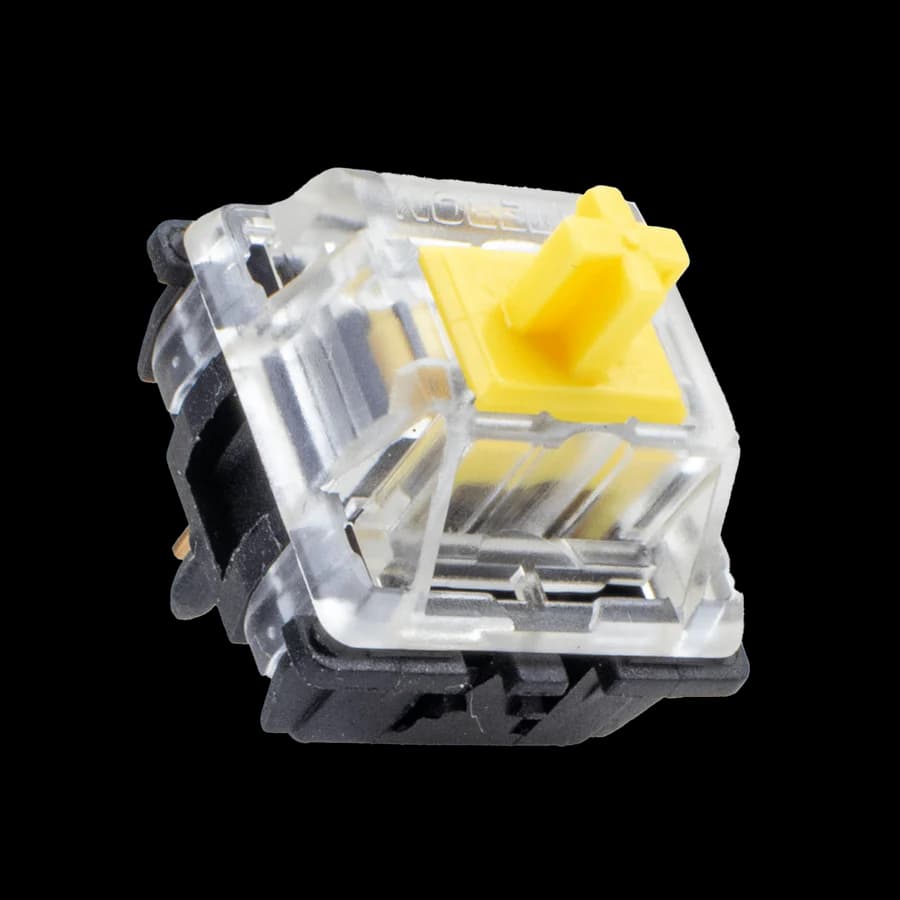
Gateron Yellow
A smooth linear starting point.
- Actuation
- 55 gf
- Total travel
- 4 mm
Small switches. Big difference.
A better keyboard starts with the right feel. Explore mechanical switches, compare the details, and find what makes you click.
164 switches to explore 16 manufacturers
Good things are
a keystroke away.
Less guesswork. More good keystrokes.
Let’s find your feel01 / Find your feel
Start with how you want your keyboard to feel.
Smooth all the way.
An uninterrupted press with no tactile bump. For fingers that like a smooth ride.
Feel the feedback.
A little bump with every press. A satisfying middle ground for work and play.
Loud and clear.
A tactile bump and an audible click. For those who like their typing to speak up.
02 / A few starting points
Three switches to get to know. Compare the specs, then check your options.
Affiliate links · As an Amazon Associate I earn from qualifying purchases.
A smooth linear starting point.
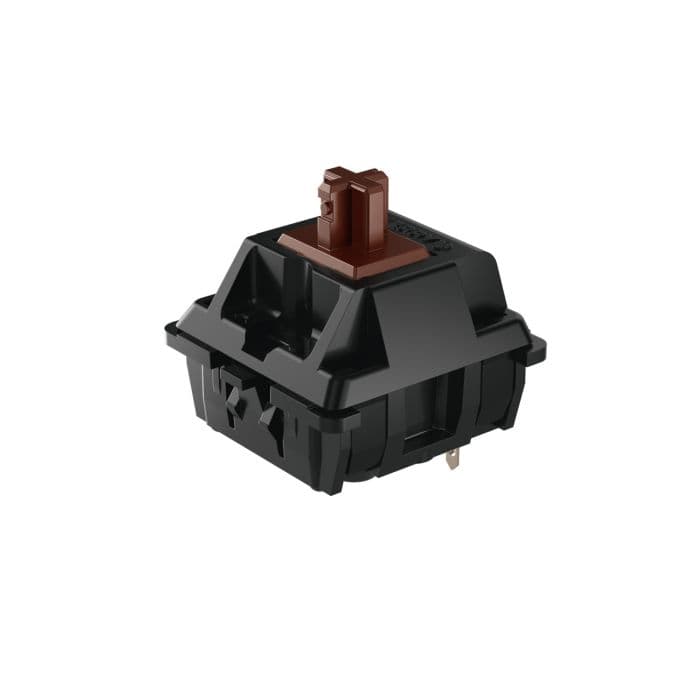
A tactile bump with every press.
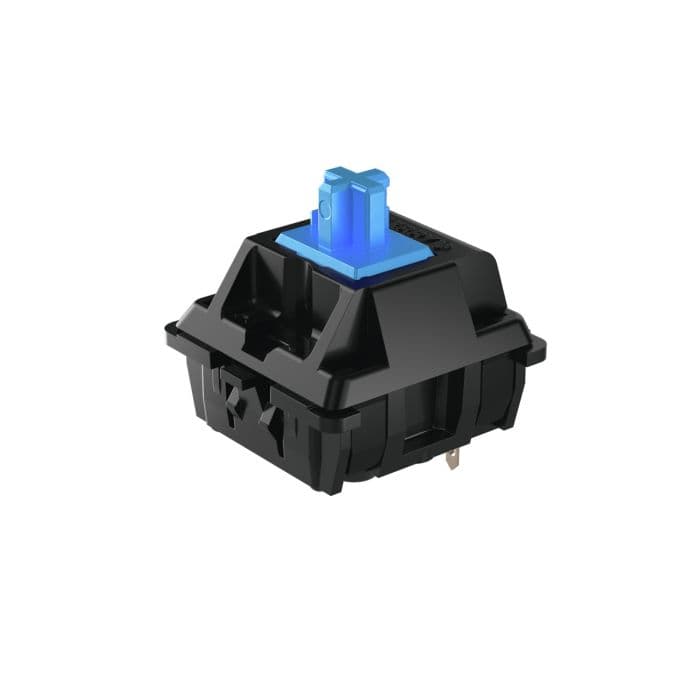
For that unmistakable click.
Check your keyboard’s compatibility and the seller’s switch version and pack size before buying.
New to the rabbit hole?
Start with a feel you like, check compatibility, then try a small tester before committing to a full set. Your perfect switch is personal.
03 / From the blog
Buying guides, build ideas, and the details worth knowing.
A comprehensive review of the lightest mechanical keyboards on the market, perfect for gamers, travelers, and anyone seeking portable typing solutions without sacrificing performance.
Discover the best places to buy mechanical keyboard keycaps in the UK. Learn about top vendors, types of keycaps, and what to consider when buying keycaps for your mechanical keyboard.
Discover the top places to buy mechanical keyboard switches in the UK. Learn about trusted vendors, popular switch types, and what to consider when choosing switches for your mechanical keyboard.
Good questions
Some helpful answers for your next build.
About Creamy Keyboard“Creamy” is an enthusiast description, rather than a technical switch type. It usually describes a smooth keypress and a soft, rounded sound. Switches, keycaps, the keyboard case and its construction all contribute, so a switch alone cannot guarantee a particular sound.
Linear switches have a smooth press without a bump. Tactile switches add a bump you can feel. Clicky switches add both a bump and an audible click. There is no universal best choice: a small switch tester can help you discover what you enjoy before buying a full set.
Check your keyboard’s socket type, supported pin count and switch technology before buying. Many mechanical keyboards accept MX-style switches, but optical, low-profile and Hall effect keyboards can require different switches. Hot-swap support also matters if you want to change switches without soldering.
The database brings together manufacturer specifications, vendor listings and community findings. Missing specifications are left blank rather than guessed. Versions and spring weights can differ, so check the seller’s exact product details before ordering.
As an Amazon Associate I earn from qualifying purchases. Amazon links may earn us a commission at no extra cost to you. They open Amazon UK, where you can check the exact version, pack size, current price and availability.